Proof, Not Pluck: Building a Fault Diary That Outlasts the Returns Desk

There's a particular kind of quiet fury that comes from standing at a returns counter while a device you know is faulty sits there behaving impeccably. You look like a chancer. They look patient. And somewhere in the back of your mind you start wondering whether you imagined the whole thing.
You didn't. What you're up against is a timing problem, not a credibility problem. A gadget that drops its Wi-Fi every ninety minutes, or reboots when it warms up, or refuses to charge only on the second plug-in of the day, is almost impossible to prove in a five-minute bench test. So you build a record instead — one that's dated, dull and very hard to wave away.
This is administrative self-defence, nothing more. Nobody at the counter is your enemy; they're just working from a script that assumes a fault is either visible or doesn't exist. Your job is to make the alternative explanation harder to reach for.
Start the file the day it misbehaves, not the day you snap
Most people start collating evidence after the third failed phone call, by which point half the useful detail has evaporated. Get into the habit of opening a notes app — or a plain document, or even an envelope with bits of paper in it — the first time something goes strange.
The entry doesn't need to be poetic. Date, time, what you were doing, what happened, how long it lasted. Four lines. That's it. Ten of those entries, spread across a fortnight, tell a story no engineer can dismiss as a one-off blip.
One small habit worth adopting: note the temperature and the setting you were in. "Failed on the sofa, worked fine in the kitchen" is exactly the sort of pattern that points a repair tech towards a loose connector or a dry joint.
Film it, briefly and boringly
A thirty-second video beats forty photographs every time, because it shows the fault happening rather than suggesting it happened. Keep it unglamorous: a wide shot of the device, the screen or panel in view, and — ideally — a clock, laptop or TV in frame to anchor the date.
If you can show a second device near the faulty one behaving normally, so much the better. A soundbar that won't wake while the telly beside it is plainly on is a far more useful clip than a close-up of a dark rectangle. Resist the urge to narrate at length. Whisper the date and the symptom, then stop recording.
Do this two or three times across different days rather than filming one long frustrated session. A pattern is what makes a fault believable.
Nail the identity of the thing you bought
Sounds obvious. It isn't. Serial numbers, IMEI numbers, model codes with the exact trailing letters, the revision number on the box — get them all down in one place, along with photographs of the labels themselves.
This matters because it closes off the least helpful conversation in retail, the one where the device gets described slightly differently to the one on the receipt. It also means that if the unit comes back from a repair with a different serial number, you'll notice.
While you're at it, put the proof of purchase in the same folder. A digital receipt, a bank statement line, a screenshot of the order confirmation — any of these will do. Under the Consumer Rights Act (in force since 2015 and still the backbone of UK claims), the burden of showing a fault was there at purchase sits with the retailer for the first six months, and your paperwork is what starts that clock.
Harvest the error codes before they vanish
Modern gadgets are chatty if you know where to look. Router logs, printer status pages, phone battery health screens, smart plug histories, boiler fault codes — all of these leave a trace, and most of them overwrite themselves within a week or so.
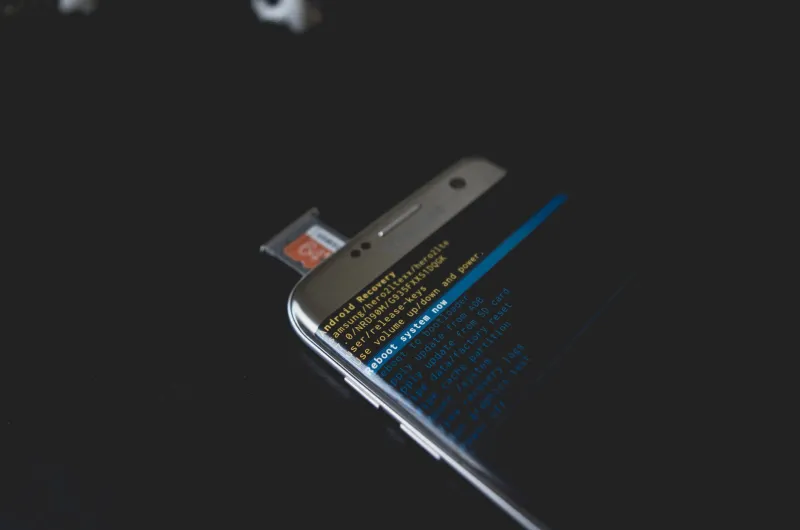
Screenshot them. Photograph the display panel. Save the exported log file to the same folder as everything else. A repair engineer who sees a recurring error code will take a very different view of a device than one handed a vague description.
Write down what you already tried
Here's the thing about the script at the returns desk: it begins with "have you tried turning it off and on again?" If you can hand over a list of resets performed, with dates, you skip that stage entirely.
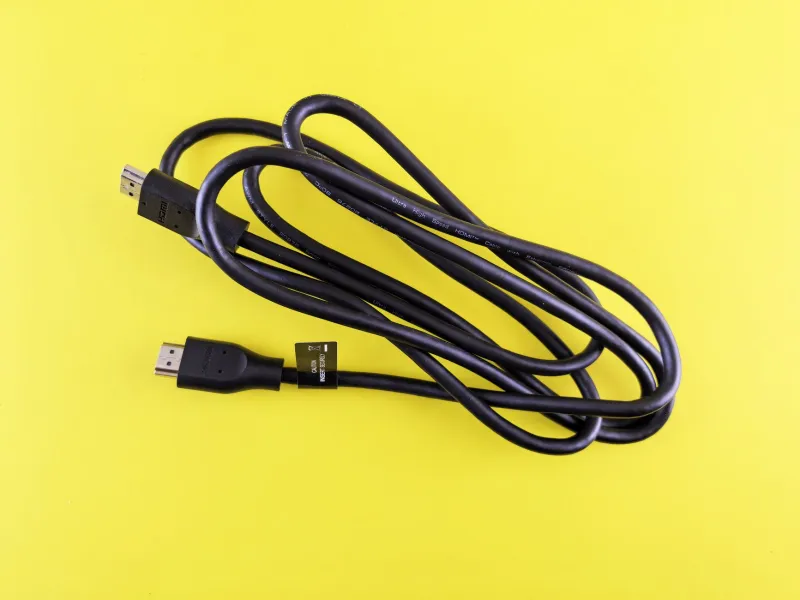
Log every factory reset, every firmware update, every different cable and socket you tried, every time you moved it to another room to rule out the wiring. Note the outcome each time. This is the part that quietly demonstrates you're not someone who expects a refund for a loose HDMI cable.
Keep every conversation, in writing
Phone calls are comfortable and useless. Web chat transcripts, emails and the reference numbers from either are gold.
After any phone call, send a short follow-up email summarising what was agreed. "Following our call today, you confirmed that..." — friendly, factual, no accusation. If the adviser said something different to what happens next, that email becomes the record.
Keep names and reference numbers. Not to catch anyone out, but because a claims handler who can see a coherent trail tends to resolve things faster than one wading through half a dozen separate contacts.
Record the conditions that trigger it
This is the entry that separates a solid file from a very solid file. Build a simple grid: what was happening, what the device did.
- Fails only on battery, fine on mains
- Fails after twenty minutes of video streaming
- Fails when the microwave is running
- Fails on the first plug-in of the morning, fine after that
- Fails since a specific update on a specific date
That last one is worth its weight in gold, particularly for phones and smart kit. A note reading "behaviour began 4 November, following update 12.3.1" gives a technician an immediate lead and gives the retailer a much thinner case for calling it user error.
Handing it over without a row
When you go back, don't arrive with a dossier and a speech. Bring a one-page summary: purchase date, device details, a two-line description of the fault, a list of dates it occurred, and an offer to send the full file.
Say something close to this: "It's intermittent, so I know it may not show up on a quick test. Here are the dates it happened and a couple of short clips. Could you note on the repair sheet that the fault is intermittent and that I've supplied evidence?"
That request is doing a lot of work. It puts your evidence into their system, which means the next person to touch your case sees it, and it makes any subsequent "tested, no fault found" harder to write without comment.
If the shop does declare it fine, ask for that in writing along with the test details. A written 'no fault found' on an intermittent issue is often the thing that unlocks an escalation, a chargeback or a small claim — and you'll already have everything you need to support it.
Boring beats belligerent. Start the file today, add to it for a fortnight, and the conversation stops being your word against theirs.