Morning After a Power Cut: Don’t Bin That ‘Dead’ Gadget Until You’ve Tried These Checks
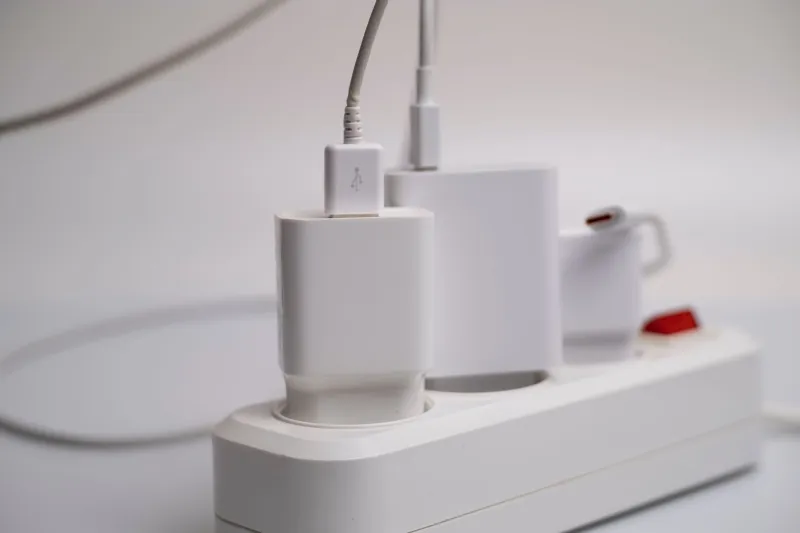
Storm season has a way of making a normal morning feel like a crime scene. The power blinks back on, the fridge starts humming, the boiler display flickers — and one gadget stays stubbornly silent. The instinct is to declare it fried and start shopping. Most of the time, that is premature. A UK power cut is rarely a clean, polite event, but the protective bits in your home are designed to take the hit before your gadgets do. The trick is knowing which bits to check, in what order, and when to stop poking about.
This is a morning-after triage, not a repair manual. It is for the laptop that will not charge, the TV with no standby light, the router that seems dead and the plug that smells faintly of hot plastic. Work slowly. Unplug things at the wall rather than yanking cables. And if anything looks, smells or sounds wrong, stop — no gadget is worth a shock or a fire.
First, safety — not heroics
If you can see scorch marks, smell burning, spot water near a socket, or find a cable that has melted into the plug, do not plug it back in. Unplug it if it is safe to reach the socket, keep everyone away from it, and take photos before you move anything. The same goes for anything with a swollen battery, a cracked casing or exposed inner wires. A power cut can expose a fault that was already there, and a second attempt at powering up can make it worse.
If your consumer unit has tripped, you can reset an RCD or RCBO once — but only if you can do it safely and nothing smells hot. If it trips again straight away, stop. That is a fault-finding job for an electrician, not a battle of wills with a plastic switch. Repeated tripping is a signal, not an inconvenience.
Check the plug fuse before you mourn the gadget
UK plugs have a fuse inside them, usually 3A, 5A or 13A depending on the appliance. A power cut itself does not normally blow a plug fuse, but a spike, a surge or a faulty lead can. Pop in a known-good fuse of the same rating — never a higher one, and never foil or wire. If the gadget springs to life, you have probably got away with a cheap fix. If the replacement fuse blows again, stop. That points to a fault inside the appliance or its lead, and it needs proper attention.
This is also the point to check the obvious: is the socket switch on, is the plug pushed fully home, and is the cable strained at the entry point? A surprising number of ‘dead’ gadgets are just a plug that has been half out since the hoover was moved.
Extension leads and adaptors: the usual suspects
Try the gadget directly in a wall socket, not through an extension lead, adaptor or daisy chain of power strips. If it works directly but not through the lead, the lead is suspect. Look for scorching, a loose socket, a cracked casing or that faint fishy smell of overheated plastic. Bin any damaged extension lead — do not tape it up and hope.
If the gadget only fails on one socket, try another socket on a different circuit if you can do so safely. That helps you work out whether the problem is the appliance or the wiring. Do not overload an extension lead with heaters, kettles and chargers just to prove a point.
What the trip switch is telling you
A tripped RCD or RCBO is not the same as a fried gadget. It may have done its job and latched out because of a surge, moisture or a faulty appliance. Reset it once. If it holds and the gadget powers up, monitor it for a while. If it trips again when you plug the gadget in, unplug the gadget and leave the circuit alone. That is a clear signal to get professional help.
Do not keep resetting a device that trips the house every time. That is how small faults become big bills.
Power supplies, bricks and chargers
Laptop chargers, router power supplies and monitor bricks are boring until they fail. Check for a lit LED, any warmth, a loose barrel connector or a cable that has been bent sharply behind a desk for years. If you have a known-good compatible power supply, try it. For USB-C devices, try a different charger and cable before condemning the device.
Be careful with universal power supplies. The voltage, polarity and plug size must match. If you are not sure, do not guess. A cheap wrong charger can turn a simple fault into a repair bill.
When it looks like genuine surge damage
If the plug fuse is fine, the socket works, the power supply is known-good and the device still shows no sign of life, you may be looking at internal damage. Devices with built-in power supplies — desktop PCs, TVs, some audio gear — may show no standby light at all. Do not open them, especially microwaves, which can hold a dangerous charge even when unplugged. Note the model and serial number, photograph the setup, and get a repair quote before you decide anything.
Visible clues such as a blackened board, a bulging capacitor or a burning smell are reasons to stop and seek professional assessment. They are also useful evidence for an insurance claim.
Photograph first, tidy later
Before you clear up, take photos of the consumer unit, any tripped switches, the plug and fuse, the damaged item, the model and serial label, and the socket it was plugged into. Keep receipts if you have them. Note the date, time and what happened. If you are claiming on home insurance, do not bin the damaged item until you have checked the policy and spoken to the insurer. The excess often makes small claims pointless, so do the maths before you ring them.
Repair or replace?
A laptop, TV, camera, games console or decent audio kit is usually worth a diagnosis if it is not ancient and parts are available. A cheap kettle, a five-year-old router or a £20 speaker usually is not. Ask about the diagnostic fee before leaving anything at a repair shop. For simple jobs, a local repair café can be a good shout, but be honest about what you need and do not expect free labour on a complex board-level fault.
If a lithium battery is swollen, do not puncture it, bend it or put it in the bin. Take it to a proper recycling point. The same goes for old electronics — your local household waste centre or WEEE recycling point is the right destination.
Most morning-after ‘dead’ gadgets are not dead at all. They are waiting for a fuse, a charger, a different socket or a single reset. Check the simple things first, photograph as you go, and stop when the trail gets hot, wet or worrying. That is how you avoid replacing a gadget that only needed a two-quid fuse.